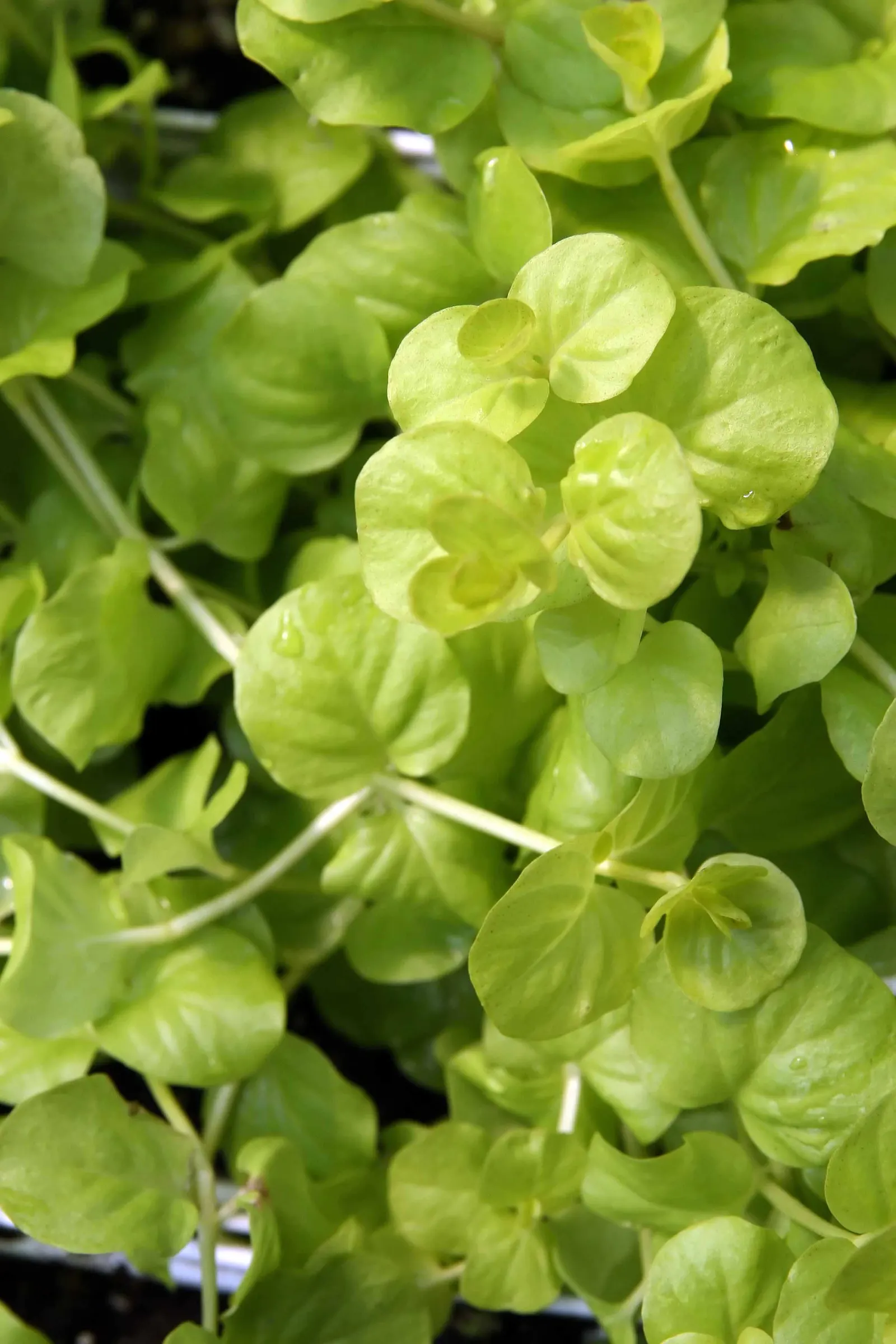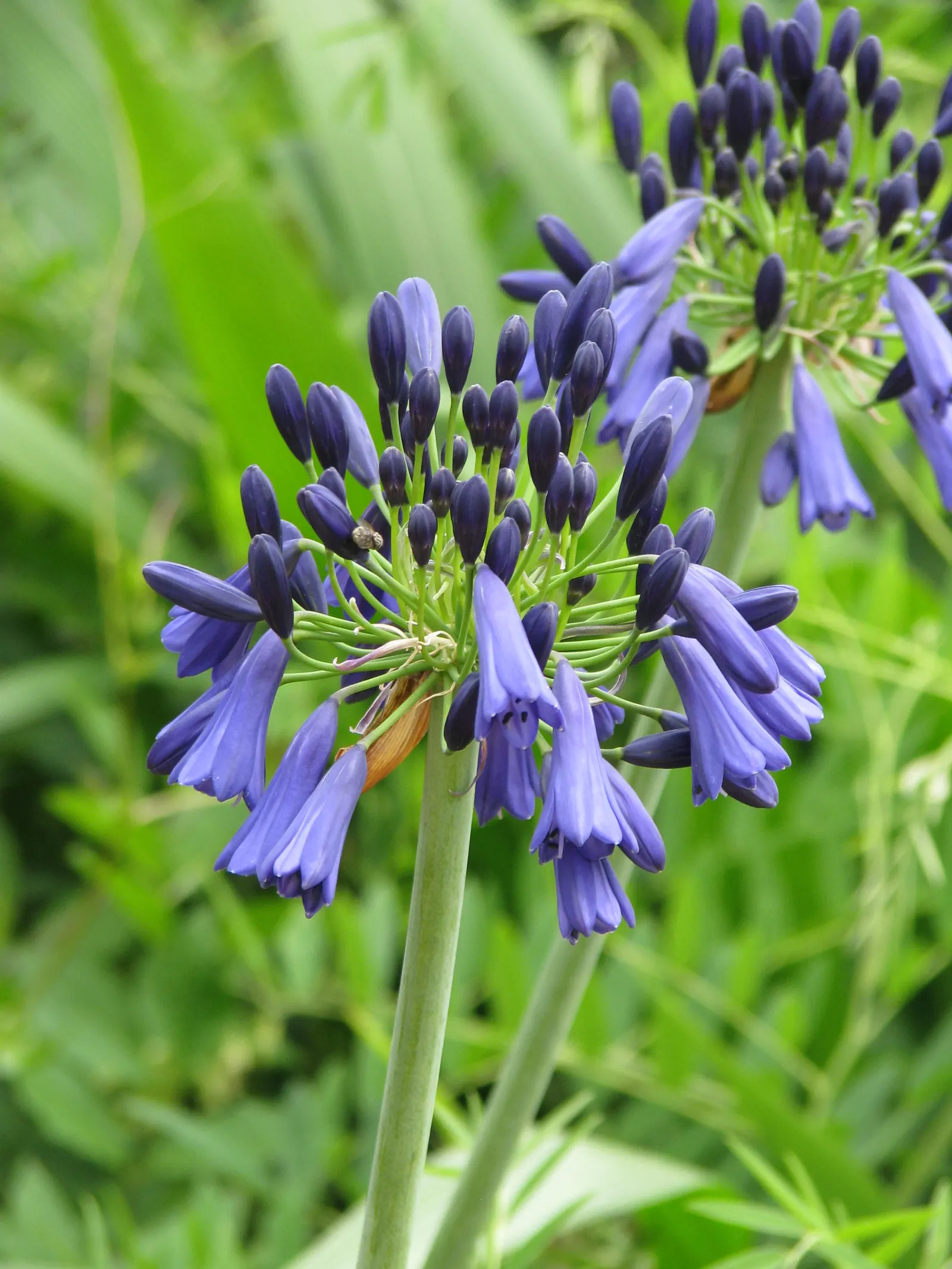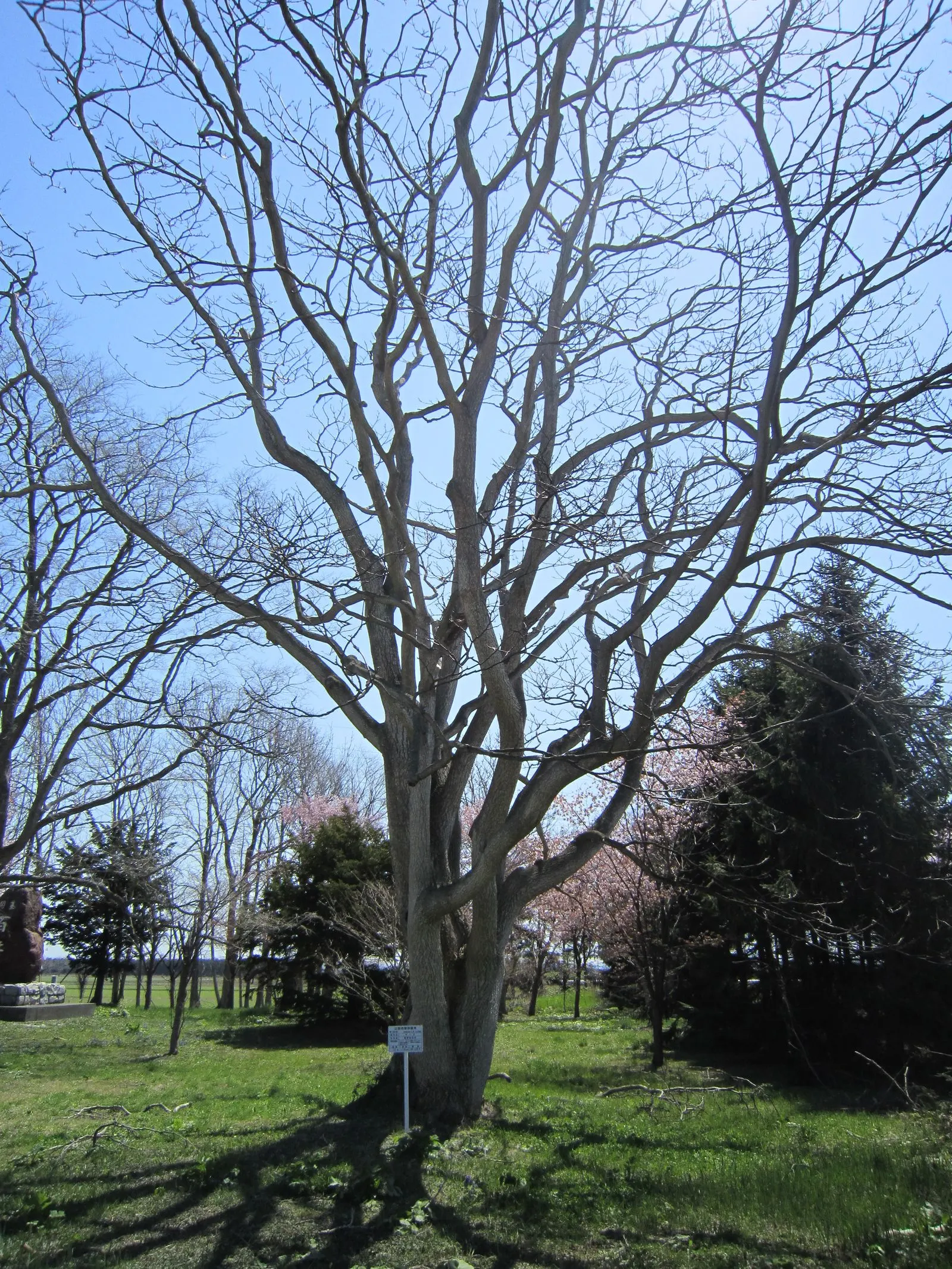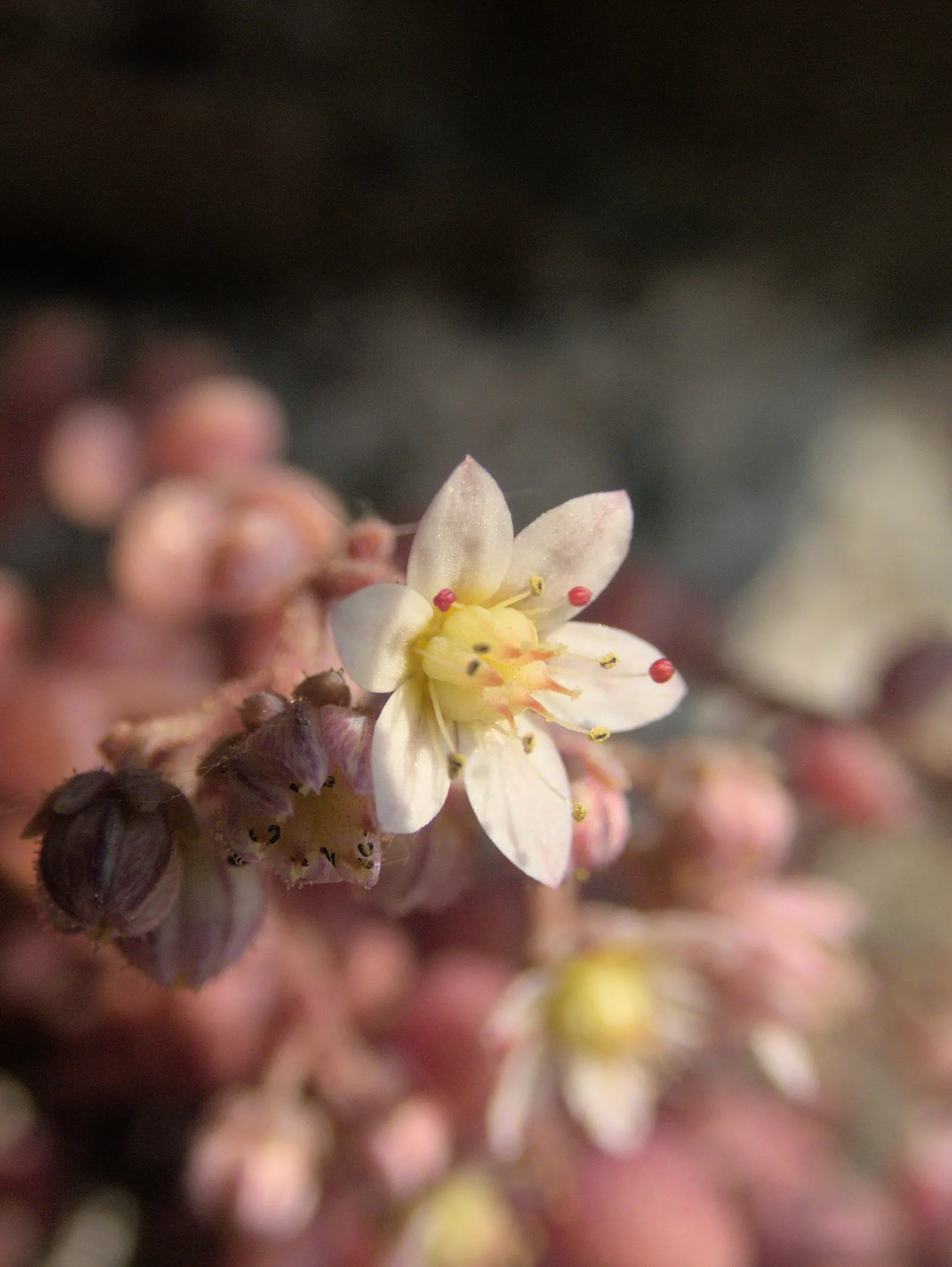
plants
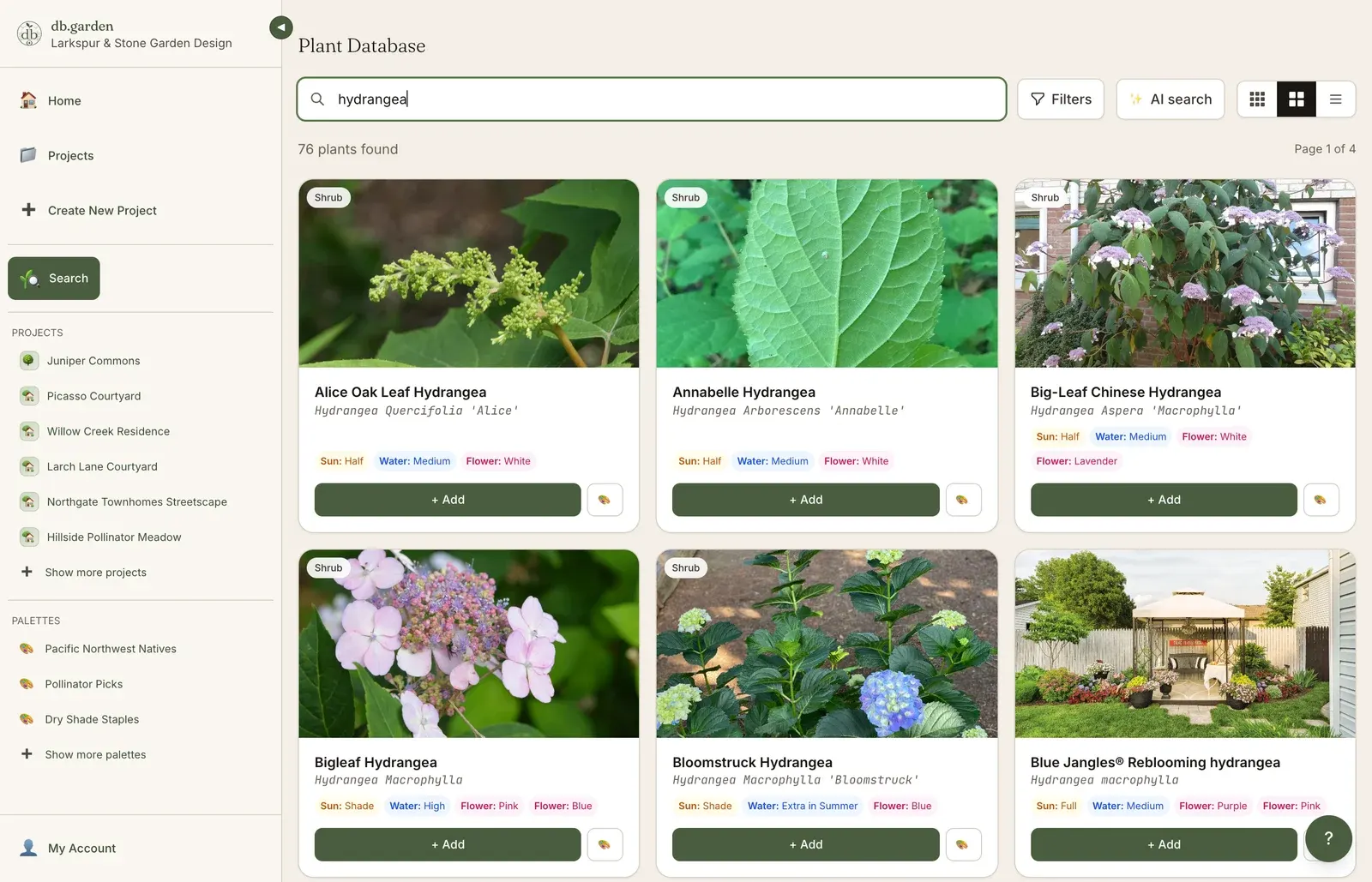
Search by what matters.
Sun, soil, water, region, deer, height at maturity. Find the right plant, fast.
For landscape designers
The plant database and project management platform that turns a brief into a presentation, a presentation into approval, and approval into install.
Card required. Cancel anytime in the first 14 days, no charge.
db.garden / design canvas
The product, area by area
plants
Sun, soil, water, region, deer, height at maturity. Find the right plant, fast.
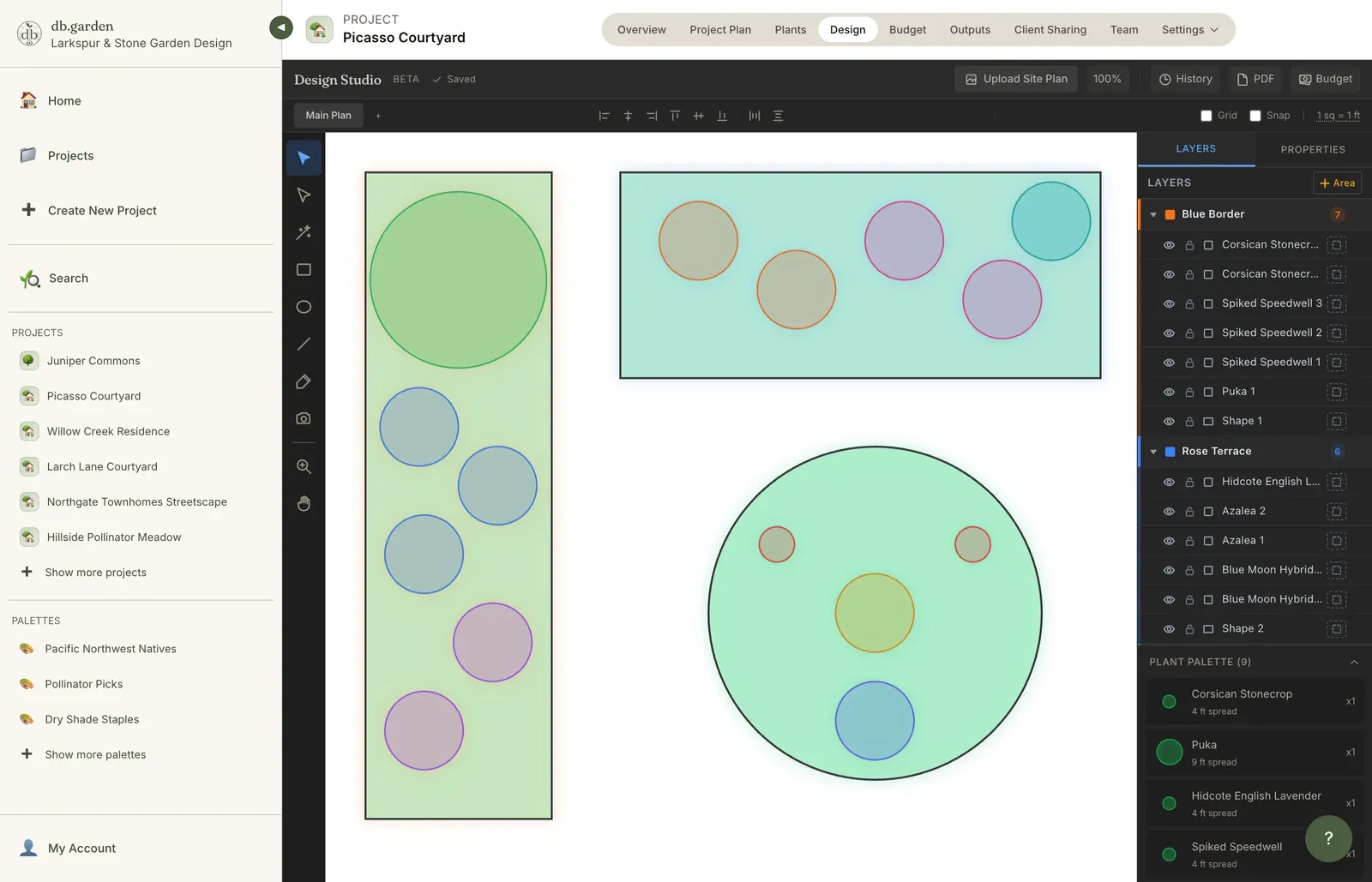
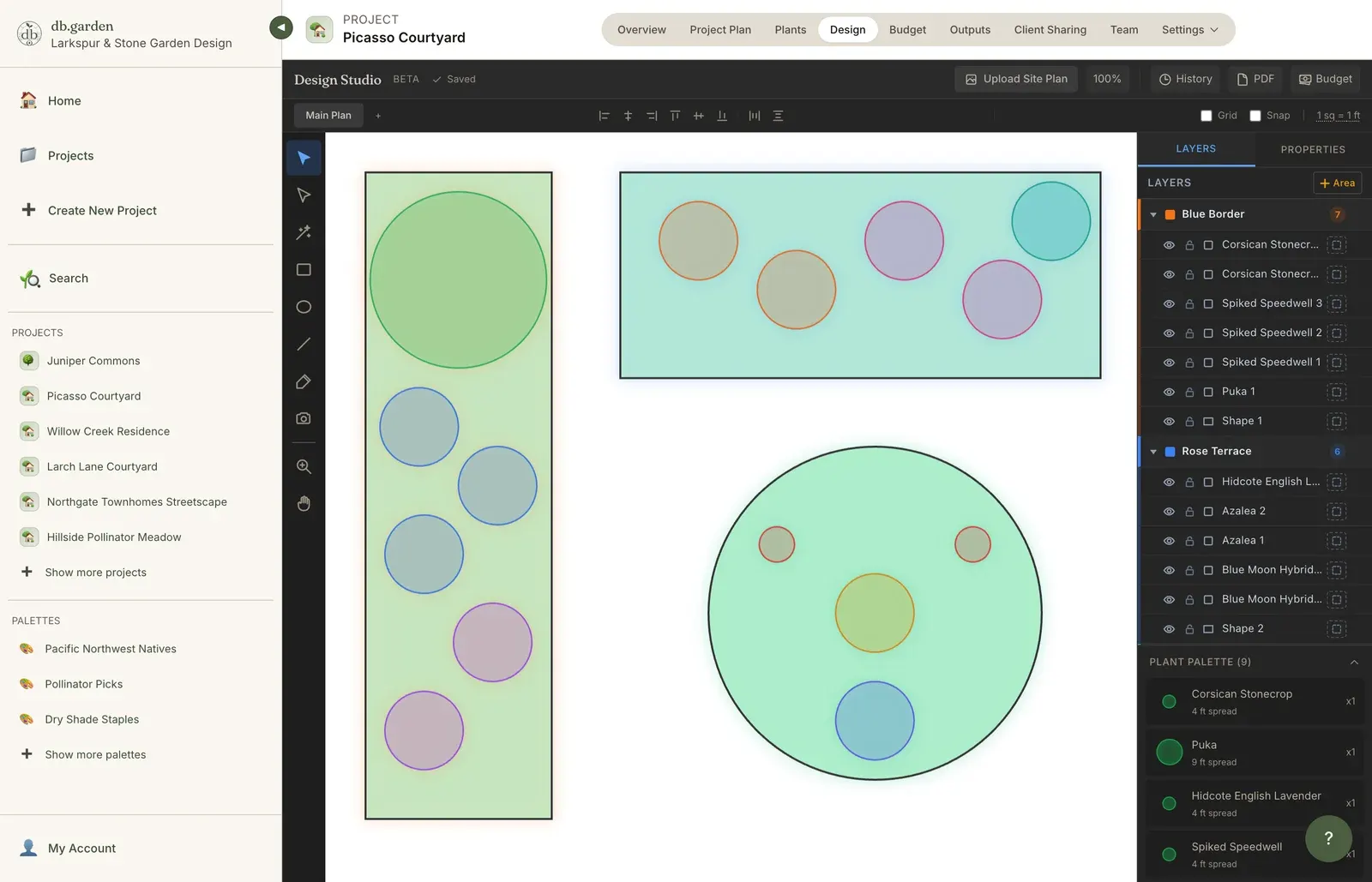
design
Block out areas, shadows and plant zones in three layers, then assign plants straight onto the shapes. Autosaved as you draw.
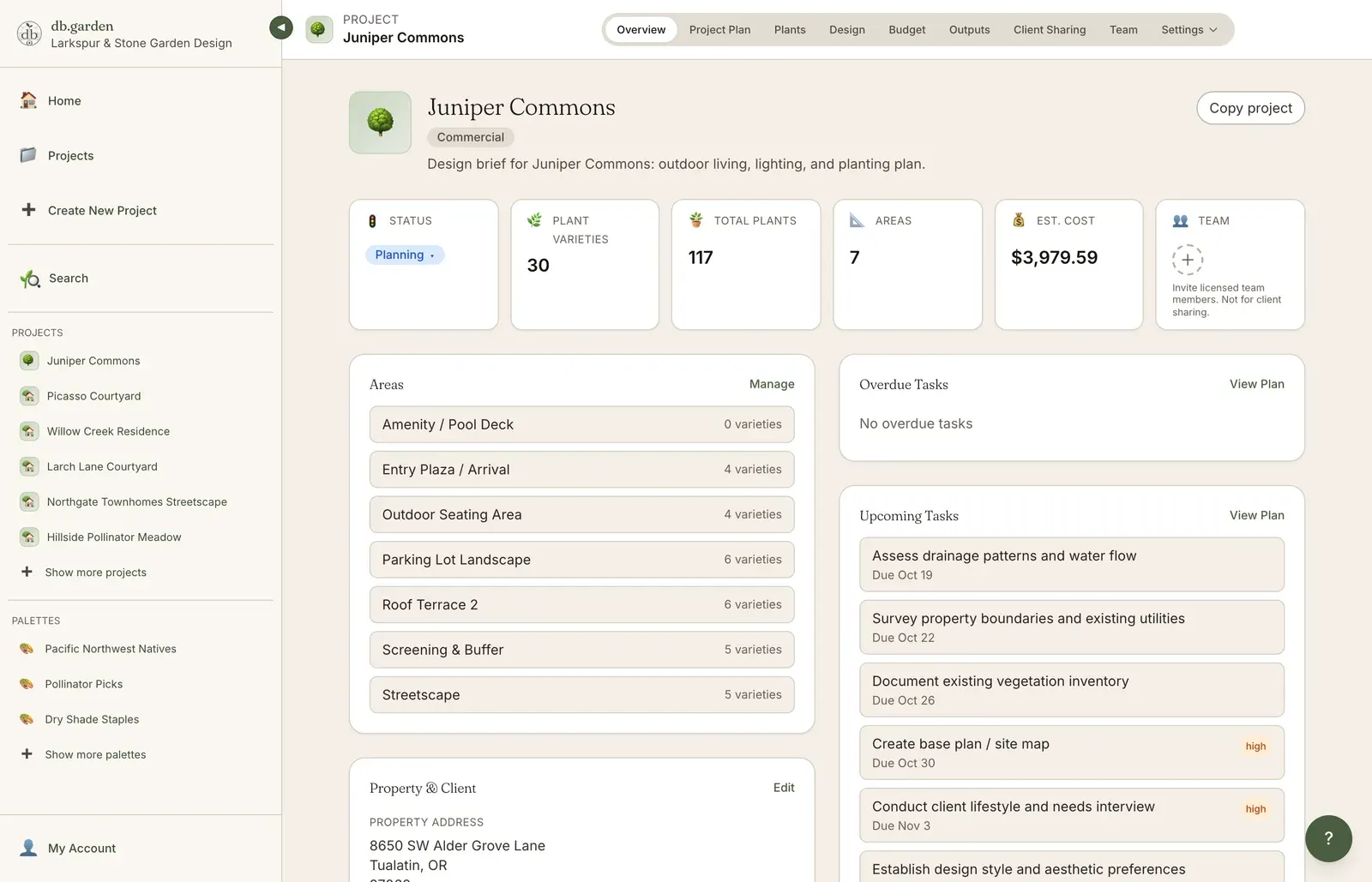
project plan
Front yard, back yard, patio, pool deck. Each plant in its right place.
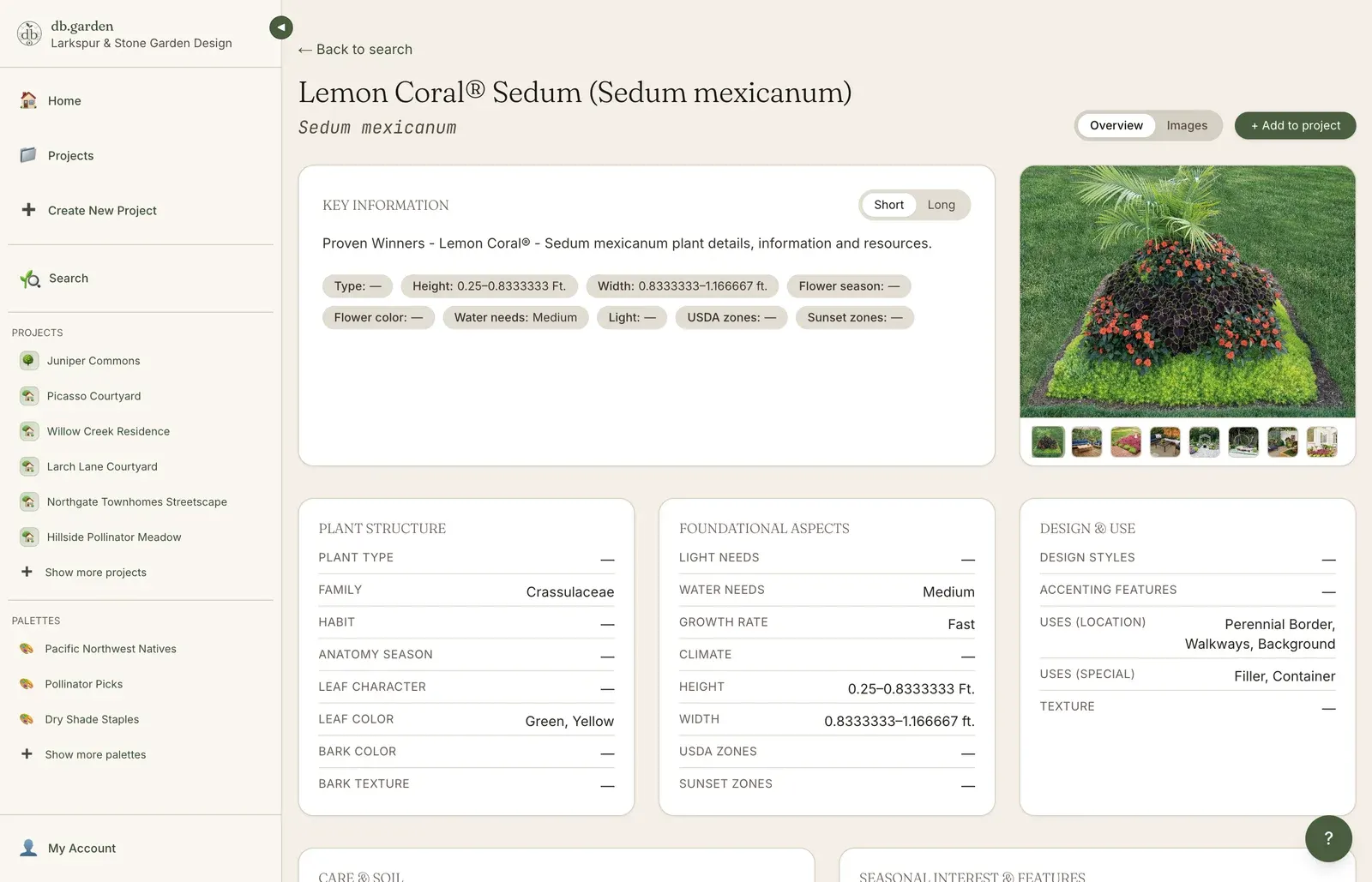
plant detail
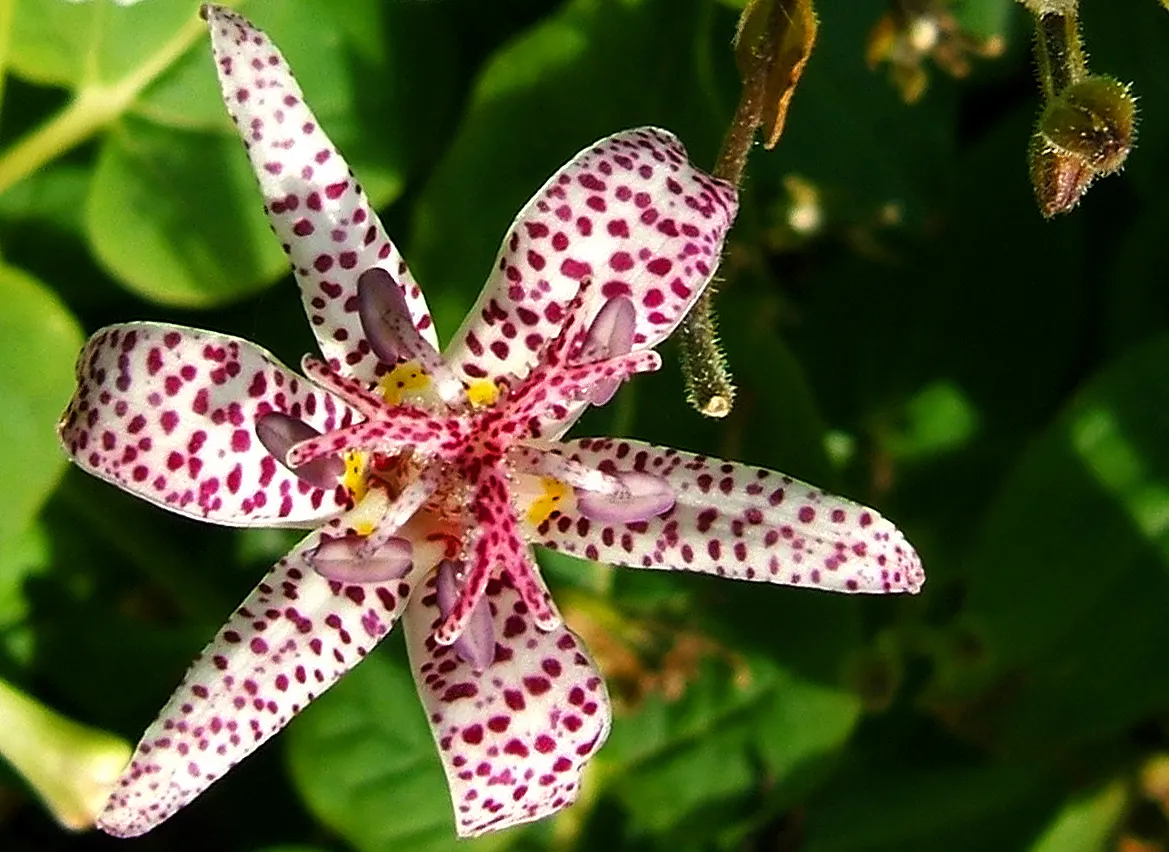
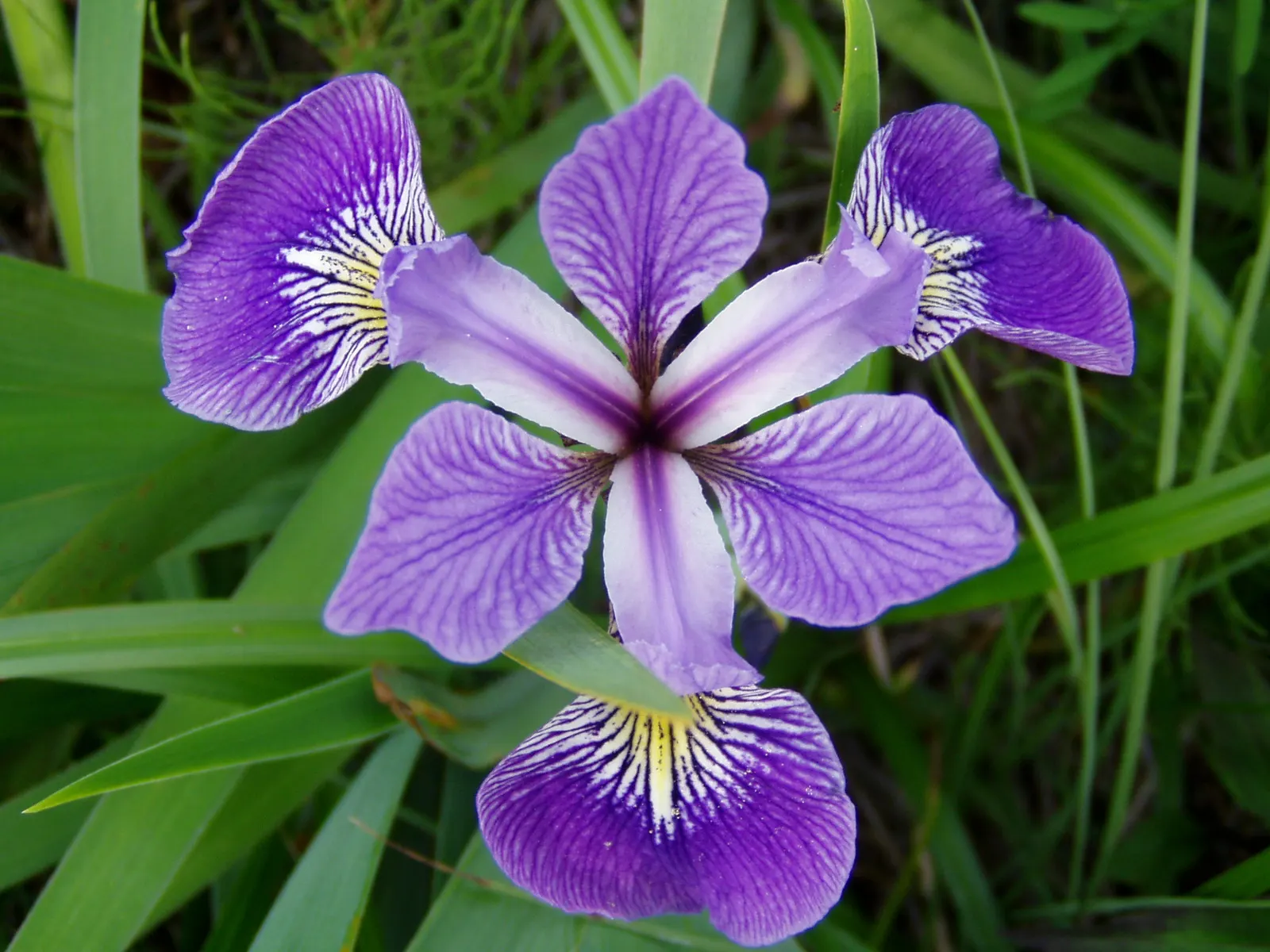
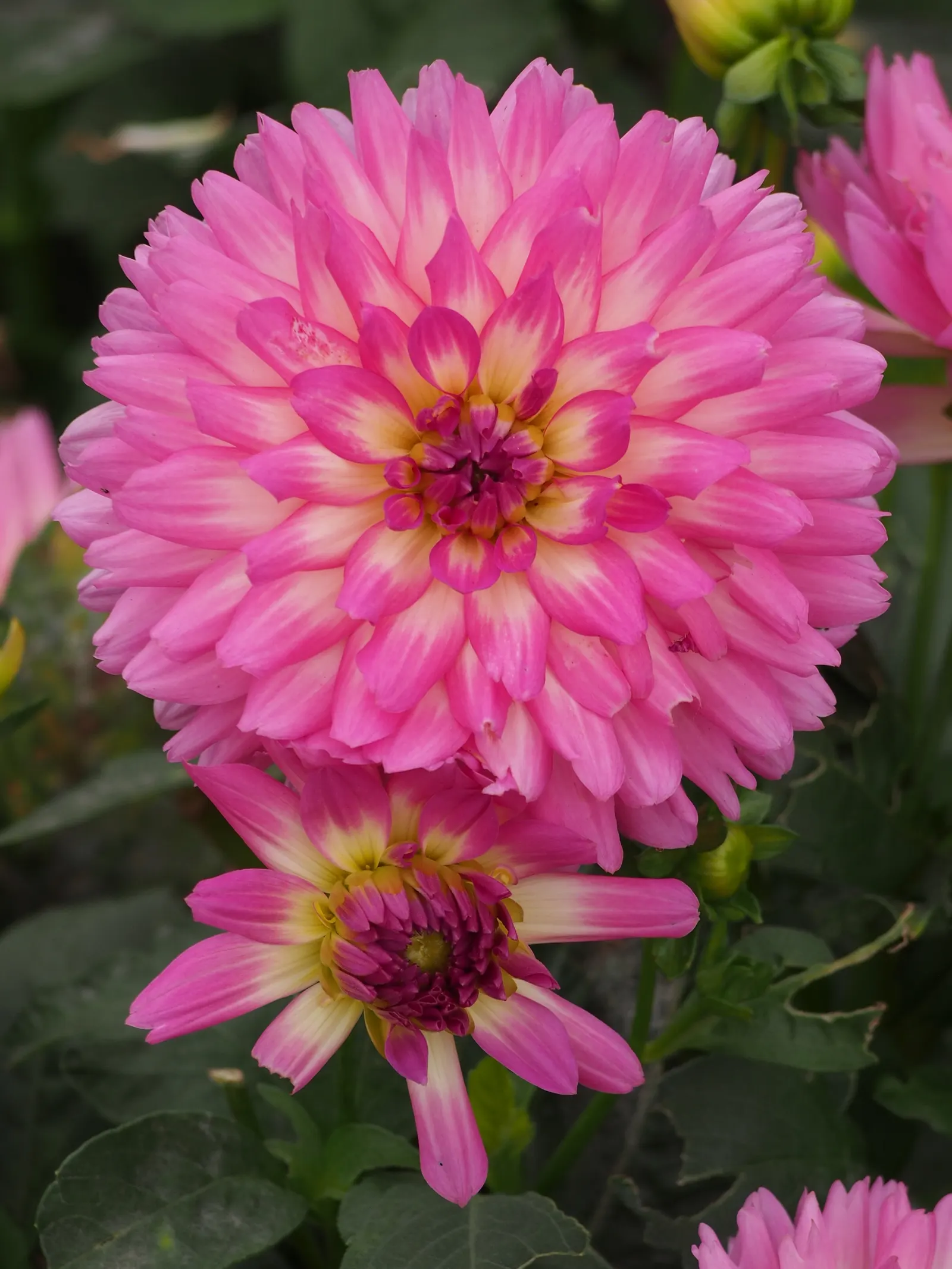
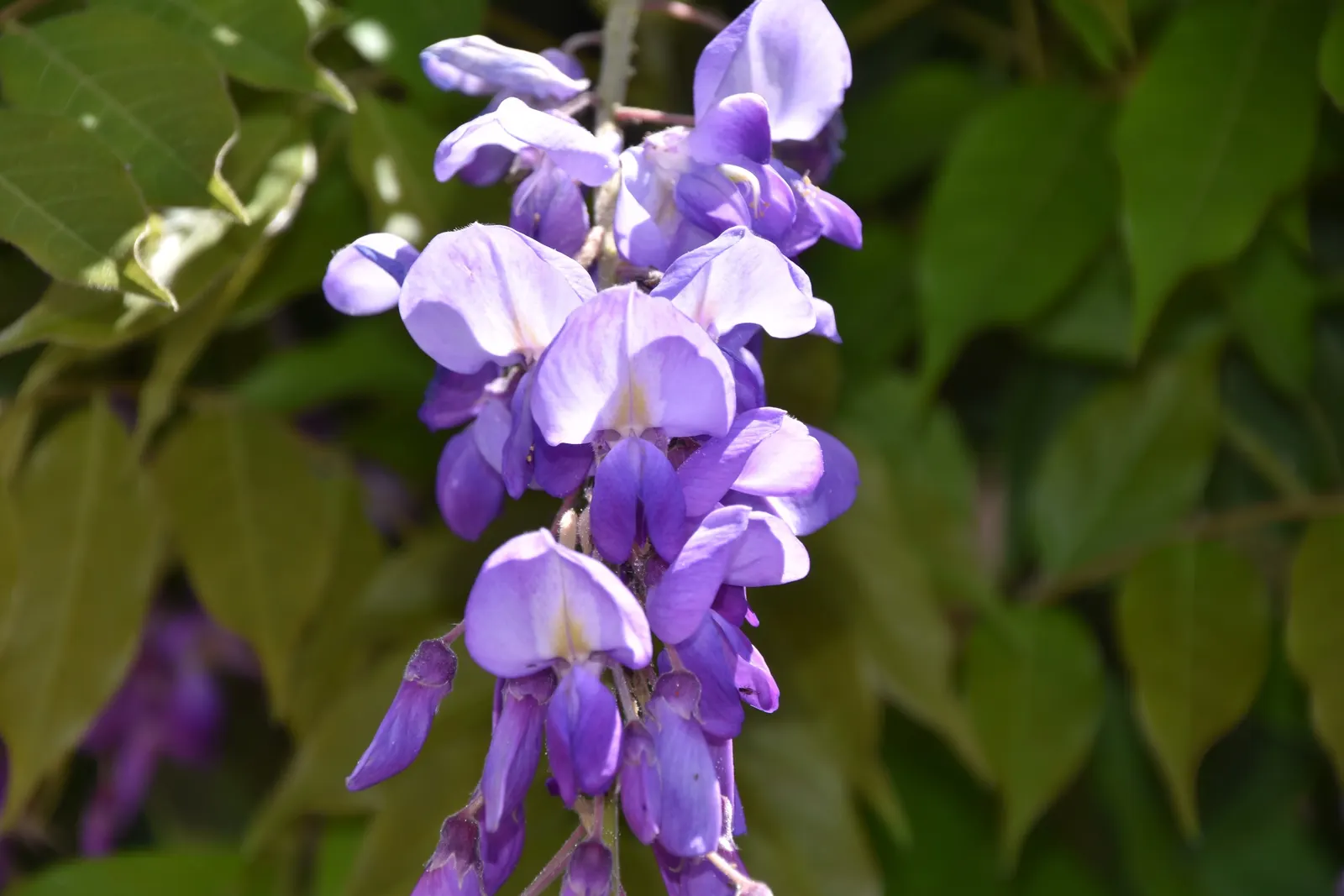
Real photos. Botanical names. The details that matter on a planting plan.
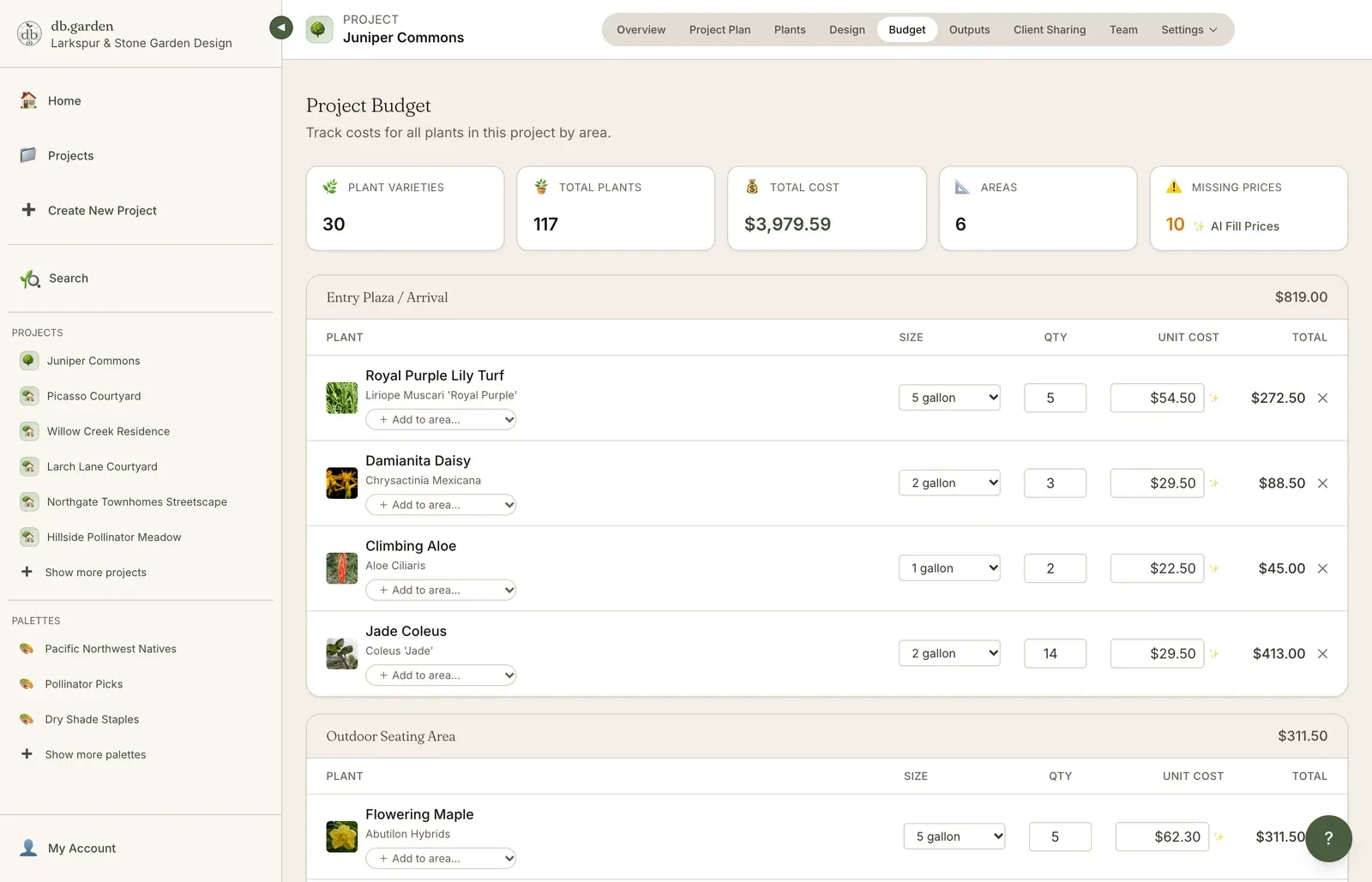
budget
Send to the nursery. Stay on budget. No spreadsheet required.
client sharing
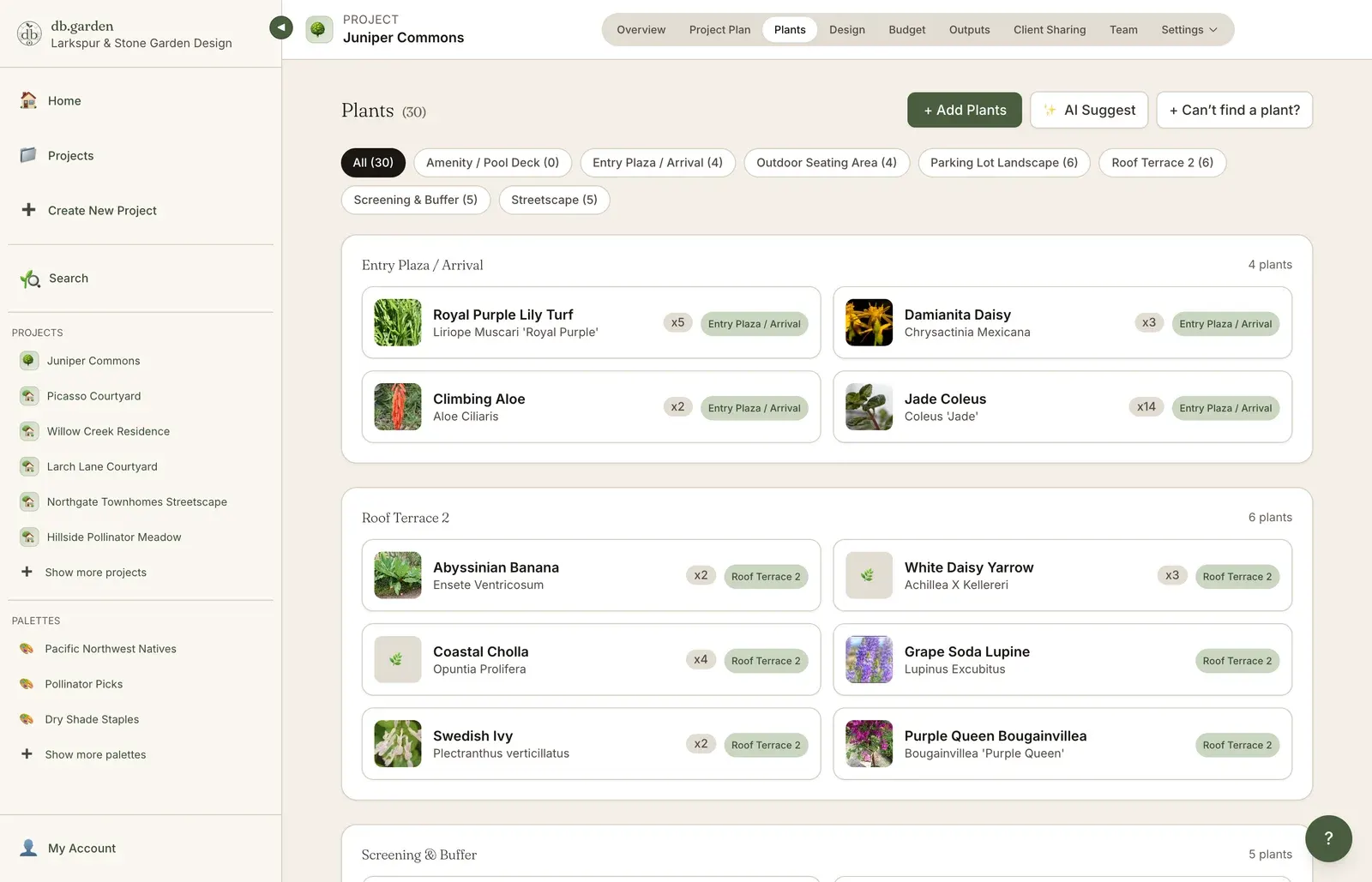
Send a custom link and the client gets everything they need to say yes: the planting plan, the plant list with real photographs, the visuals and the costs. They scroll, filter, and approve. No account, no PDF attachment, no version confusion.
reports & outputs
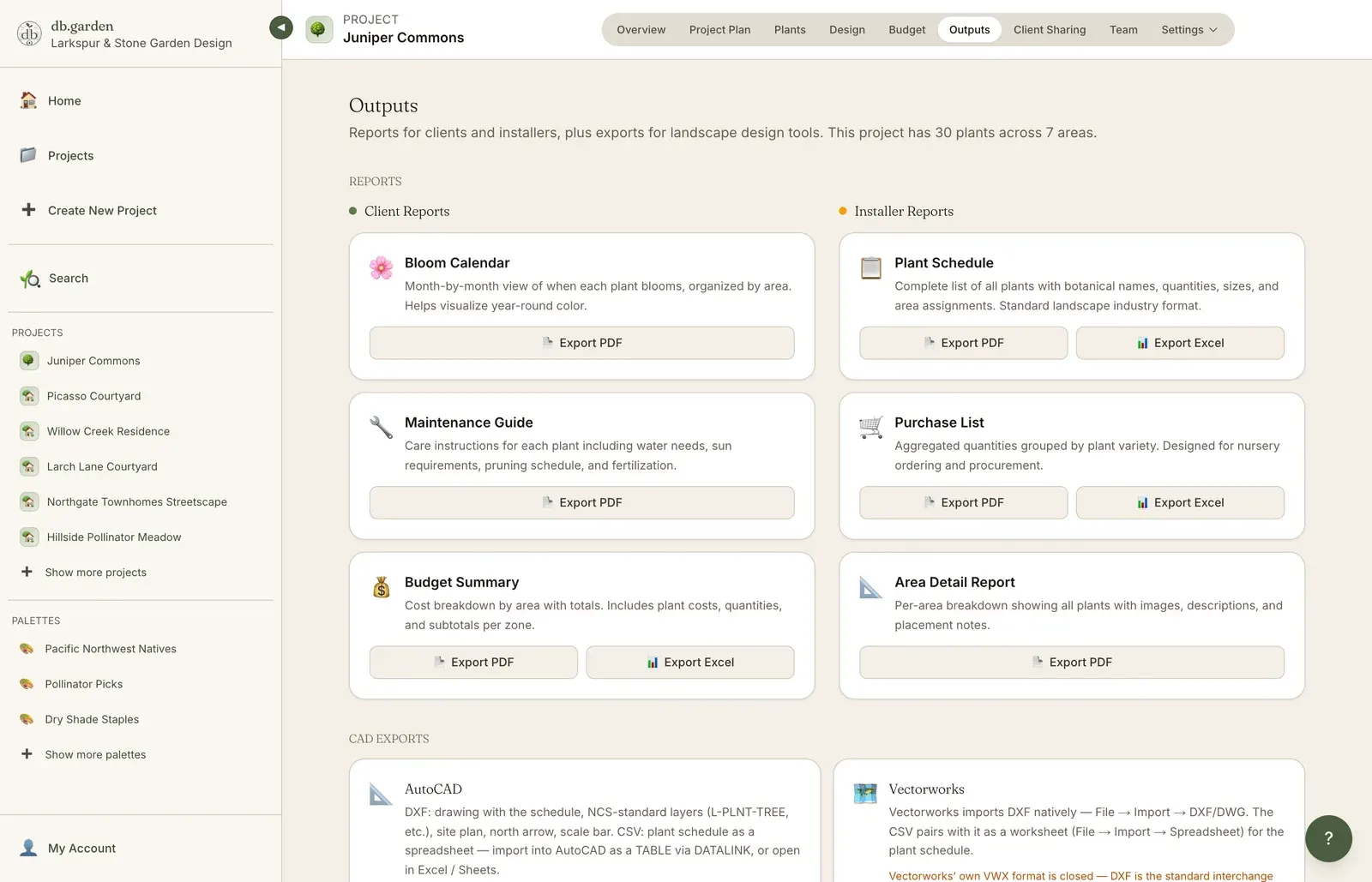
Every report the job actually needs, generated from the same project data and saved as PDF in a click — for the client, the nursery, or the install crew.
Planning, with an AI assistant
Some briefs arrive as moods, not species. Describe the feeling and the AI assistant searches the plant database and comes back with real, plantable suggestions matched to your areas, zone, water, and sun.
A real run, unedited
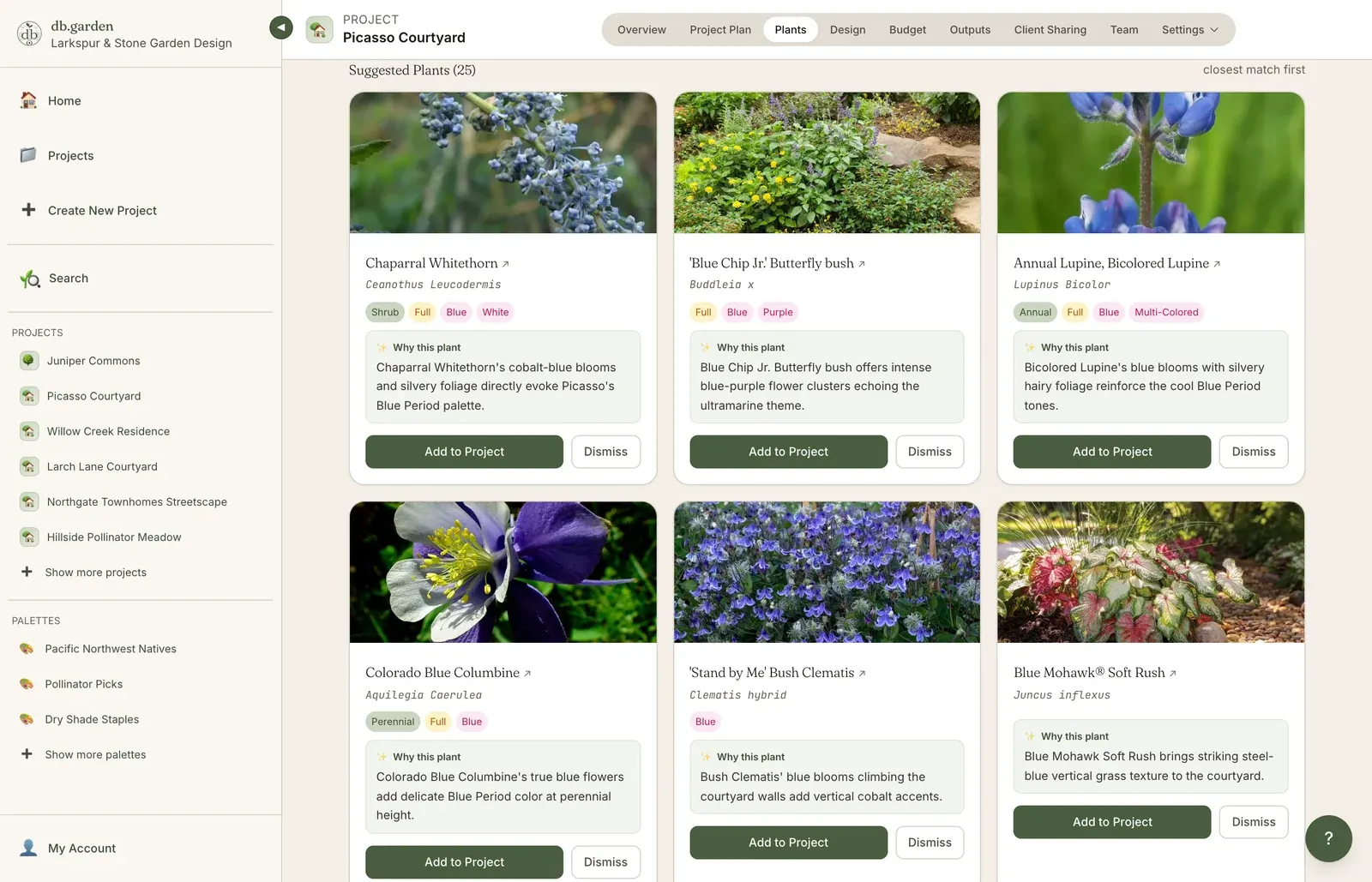
“A walled courtyard garden in the color scheme of Picasso: the Blue Period: cobalt, ultramarine and silver-blue foliage, warmed by Rose Period accents of soft coral and dusty pink.”
The assistant came back with twenty-five plants, closest match first. Chaparral Whitethorn and a Blue Chip Jr. butterfly bush for the cobalt and ultramarine, Grey Owl Juniper and Boulder Blue fescue for the silver-blue foliage, Pat Austin and Pink Grootendorst roses for the coral and dusty pink, each with the reason it was chosen.
Suggestions come from the same several-thousand-plant database you browse, never invented names.
The database
Open. Editable. Yours. The full database includes growth habits, water needs, USDA zones, soil preferences, deer resistance, native ranges, and the regional cultivation notes that take a working designer years to compile. You can preview a slice of it without signing up.
A preview slice · several thousand plants in full
Browse the plant database →Photographs are credited on each plant’s page.
Exports
Block the design out in db.garden and hand it directly to whoever drafts it. The file opens at the correct scale in every platform below, carrying the plant list, quantities and botanical names with it — so your designers start from clear guidance instead of redrawing your sketch.
DWG / DXF
Opens to scale, on the right layers, with the plant schedule, quantities and botanical names already attached. Your drafter places it, they don’t rebuild it.
CSV / XLSX
Quantities, container sizes and costs for takeoffs, nursery orders and whatever your accountant asks for.
Print-ready bloom schedule, purchase list and budget totals for the client, the nursery or the install crew.
AutoCAD is a trademark of Autodesk. Vectorworks Landmark is a trademark of Vectorworks, Inc. SketchUp is a trademark of Trimble. DynaSCAPE Design, Land F/X and Rhino are trademarks of their respective owners. db.garden is not affiliated with any of them.
Who it's for
Studios, practices, firms, and the design side of a build crew. If part of your week goes on choosing plants, drawing the plan and presenting it to a client, db.garden is built around that work.
You’re a one or two person studio. You wear every hat. Software that gives you back four hours a week is software that pays for itself in a client meeting.
Three to eight people, principal plus team. Shared projects, shared selections, shared presentations. Everyone working from the same plant data, in the same place.
Twelve people and up. Audit logs, dedicated onboarding, custom plant database additions for your region. We’ll talk.
Pricing
Solo, studio, firm. A 14-day trial that needs a card, then it renews automatically until you cancel. Built so a single closed project pays for the year.
Solo
$39/ month
One designer. Full database, full project tools, full presentations.
Most studios
Studio
$32/ seat / month
Two or more seats. Shared projects, individual logins, proper team workflow.
Firm
Let’s talk
Eleven or more seats, dedicated onboarding, custom regional plants.
Student or faculty? See education pricing.
From the stories
Notes on plants, design, and the business of running a landscape practice.
Good to know
Fourteen days with every feature open. A card is required to start; cancel any time within the first fourteen days and you are not charged. After that it renews automatically until you cancel.
One seat is one designer with their own login. Solo is a single seat. Studio starts at two and each seat gets its own account. Eleven or more seats moves you to Firm.
Open, editable, yours. Add your own cultivars, substitutions and regional notes alongside the curated data. Firm plans can have custom plant additions built for their region.
No. You send a link. Clients scroll, filter and approve without signing up for anything.
Print-ready reports — bloom schedule, purchase list, budget totals — save straight to PDF from any project, for the client, the nursery or the install crew.